⌁
Wi‑Fi connectivity
Modern networking underneath, without losing the modem experience on the desk.
WI-FI / IP
 Explore RetroBox
Project on GitHub ↗
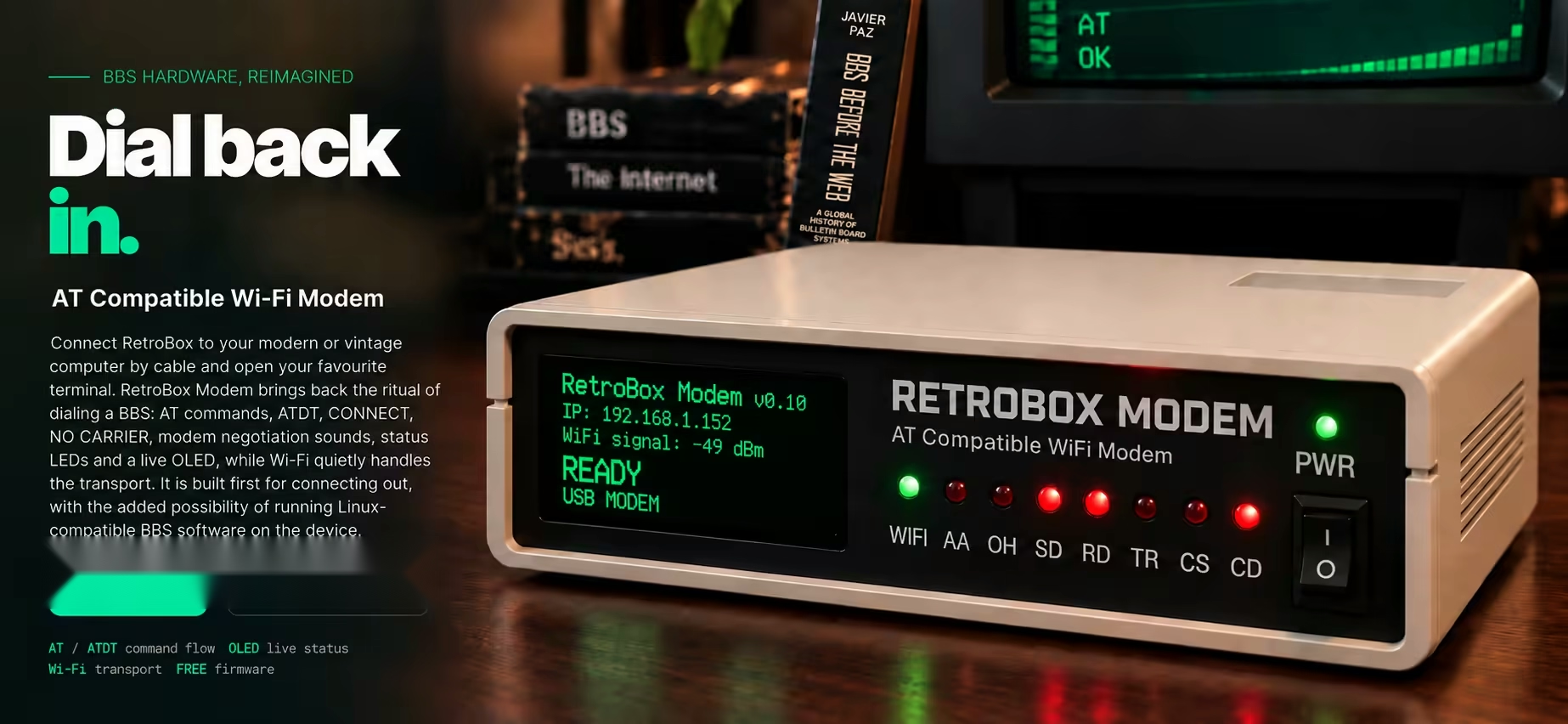
Connect RetroBox to your modern or vintage computer by cable and open your favourite terminal. RetroBox Modem brings back the ritual of dialing a BBS: AT commands, ATDT, CONNECT, NO CARRIER, modem negotiation sounds, status LEDs and a live OLED, while Wi‑Fi quietly handles the transport. It is built first for connecting out, with the added possibility of running Linux‑compatible BBS software on the device.
Modern networking underneath, without losing the modem experience on the desk.
AT, ATD1/2/3, +++, ATO and the familiar command flow of a classic modem.
Speed-specific dialing and handshake audio, from 300 baud to 56K (in development).
Live status, IP address, Wi‑Fi signal and modem state at a glance.
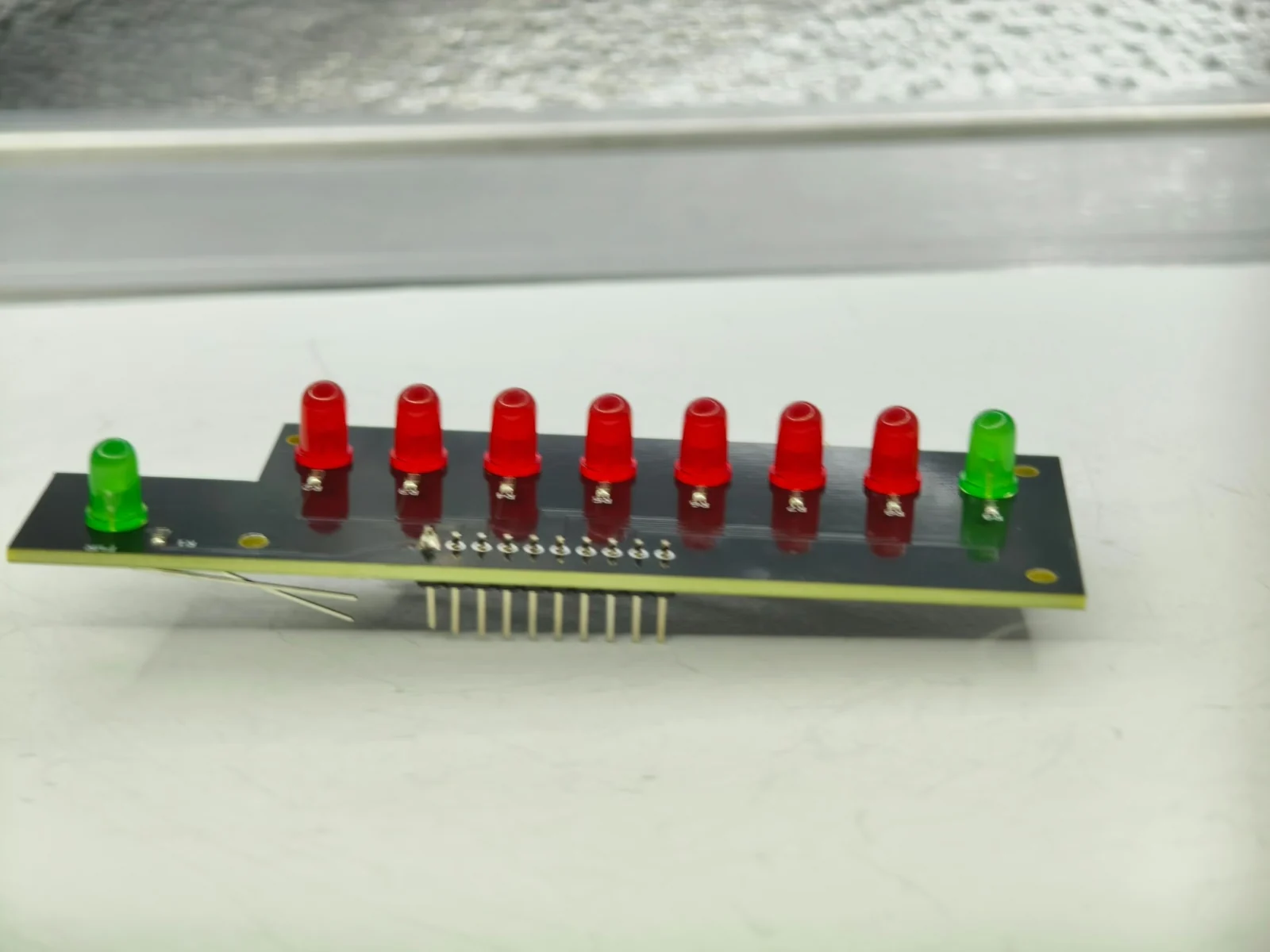
Front-panel indicators for modem activity, just like a real desktop unit.
Planned support for Auto Answer and the option to run Linux-compatible BBS software on the device.
Planned to remain freely available through GitHub releases and documentation.
Connect RetroBox to your modern or vintage computer with a cable. It handles Wi-Fi for you, so your computer doesn't need Wi-Fi or a telephone line.
On your computer, open your favourite communications terminal, select the serial port, type AT and look for OK. Then dial with ATD1.
AT
OK

ATD1
DIALING...
HANDSHAKE AUDIO...
CONNECT 14400

WELCOME TO THE BBS

+++
OK

ATO
CONNECT 14400
From power-on to your first BBS connection. Each step follows the experience in order, with Wi-Fi running on RetroBox before you open your terminal.
RetroBox Modem is designed around the interaction that made dial-up computing memorable. It preserves the familiar modem workflow while using modern networking underneath, so retro machines can reach today’s BBS world without a telephone line.
RetroBox Modem grew out of research into the history of Bulletin Board Systems and the hardware culture around them.
The goal is not to disguise the Internet as a telephone line. It is to preserve the tactile, audible and visible sequence that surrounded a modem connection — commands, sound, LEDs, carrier and finally a remote system waiting on the other side.
It is a modern bridge built for old machines, old habits and the people who still remember why a blinking CD light mattered.
Connect by cable: USB serial for PC/Mac, or a suitable serial interface for Amiga. Power on. MSX and other 8-bit support is in development.
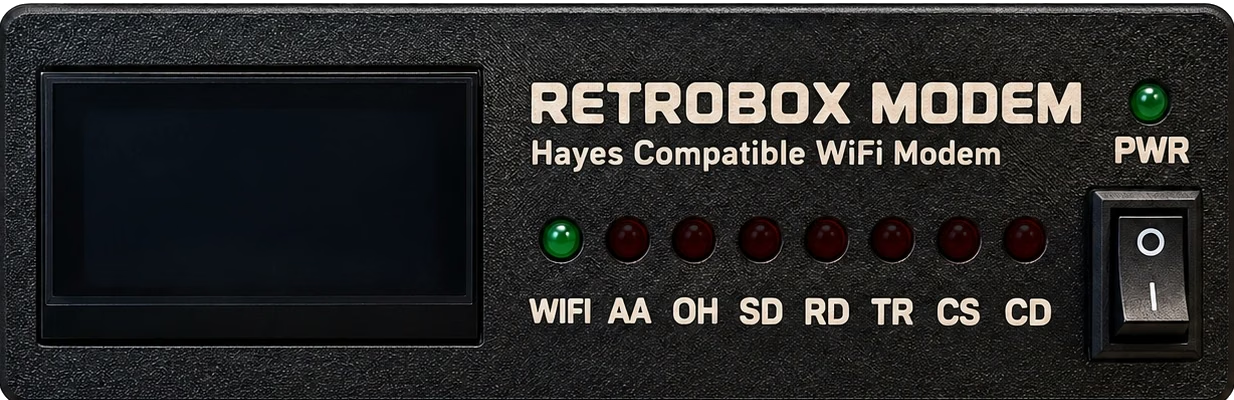
The Wi-Fi light blinks while connecting, then stays green. Once online, the OLED shows the IP and signal.
On your computer, open your favourite communications terminal and select RetroBox’s serial port. Type AT and RetroBox replies OK.
Enter ATD1, ATD2 or ATD3, hear the connection audio and enter the BBS.300 BAUD → 56K · SPEED-SPECIFIC AUDIO
RetroBox runs on a Raspberry Pi with Linux. The current firmware is validated for dialing out to BBSs; hosting a BBS on the device, including AA (Auto Answer), is still being developed for the launch version.
The Linux platform is intended to become the foundation for running compatible BBS software on the device. Inbound hosting and automatic answering are not yet available in the current firmware.
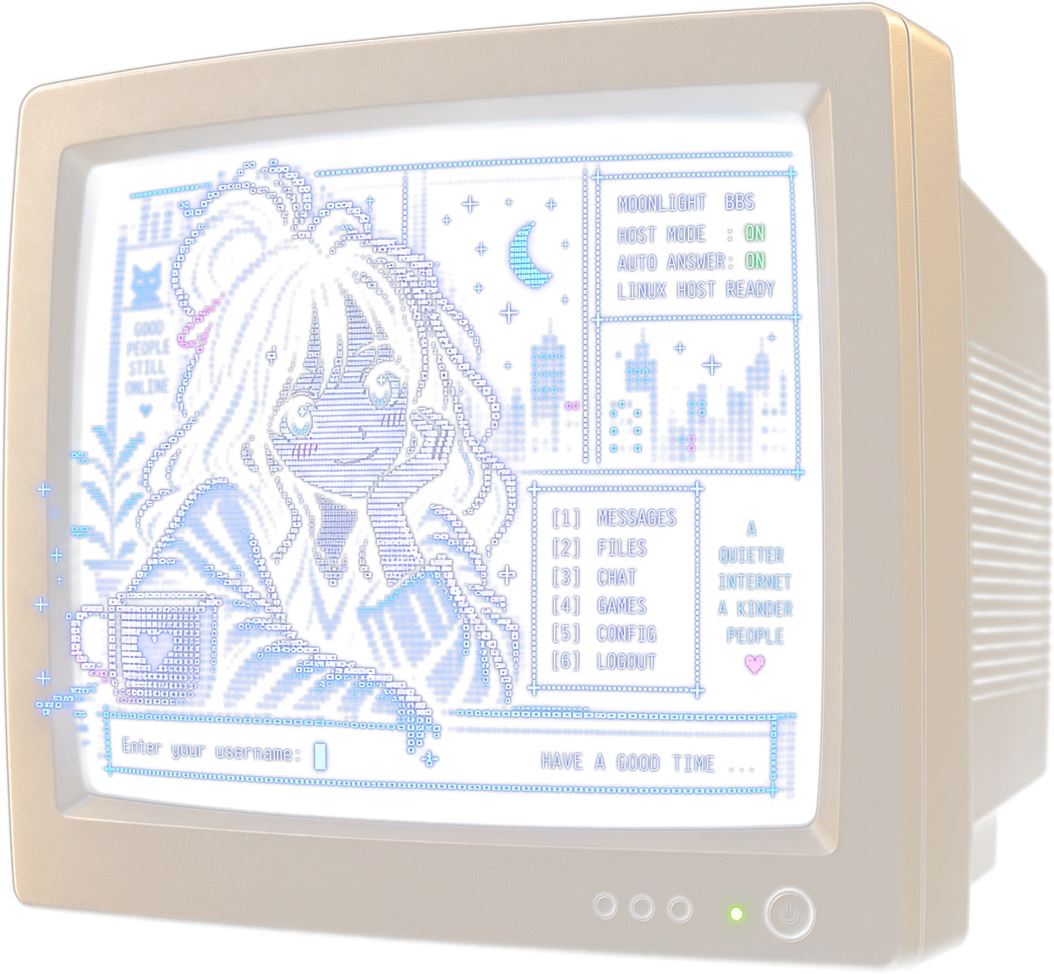
Connect using the AT command flow and Wi-Fi transport.
Planned for the launch version; compatible BBS software and inbound networking are still being tested.
AA · Auto Answer: reserved for the planned automatic-answer function; AA is not active in the current firmware.
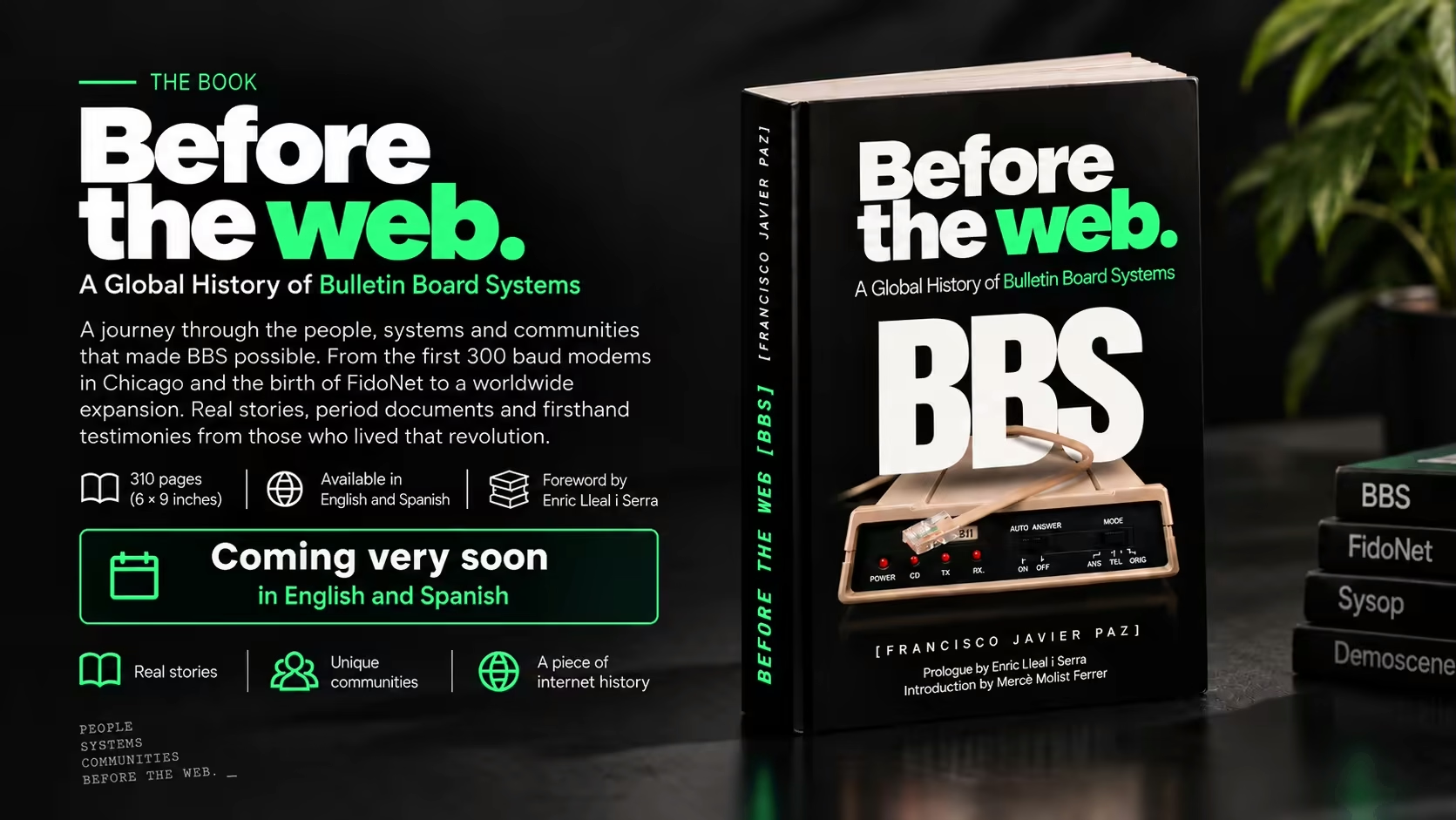
RetroBox Modem brings back the experience of connecting to a BBS. The book BBS Before the Web preserves the global history of Bulletin Board Systems, their networks, sysops, communities and the people who built that world before the Web.
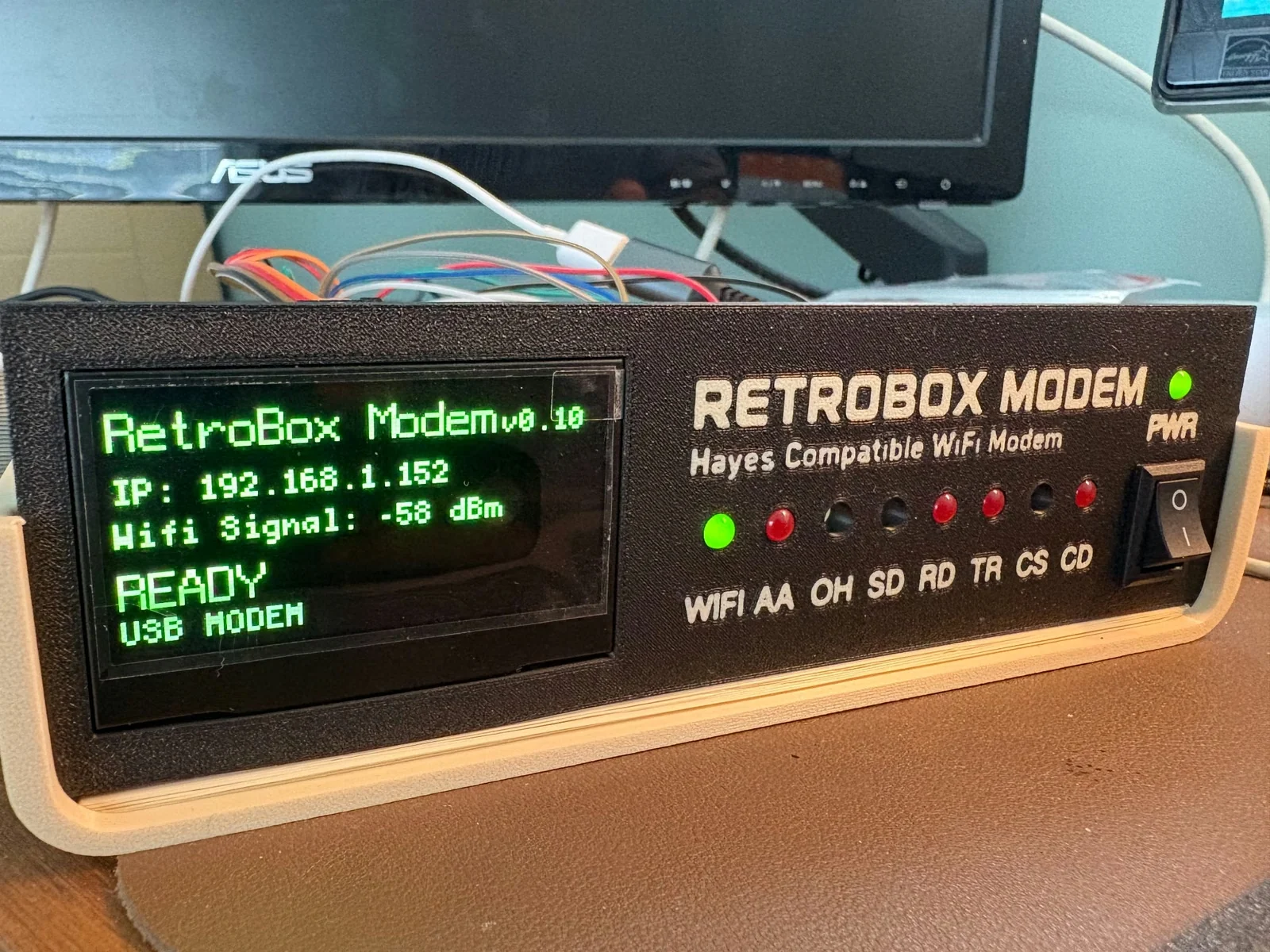
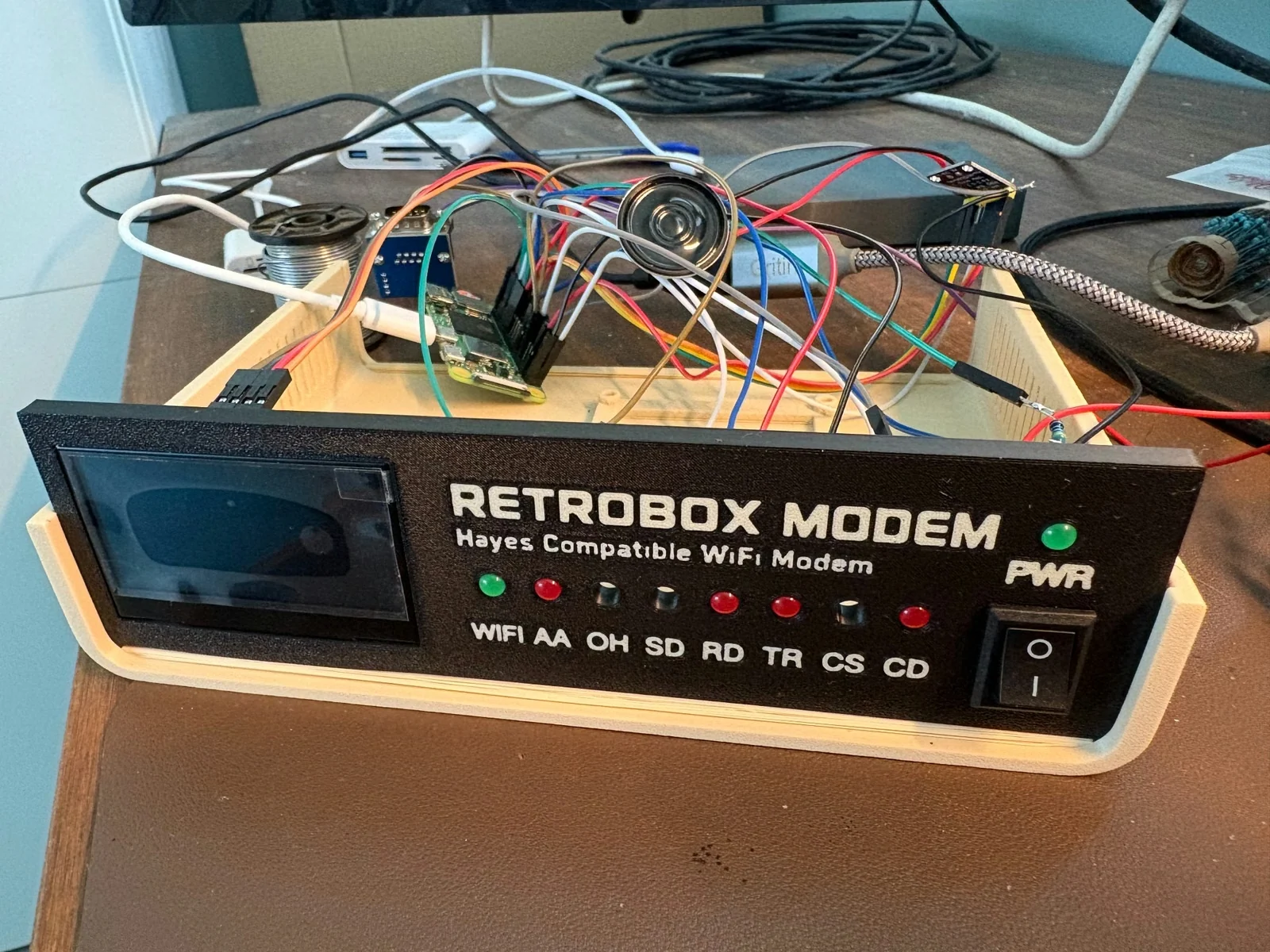
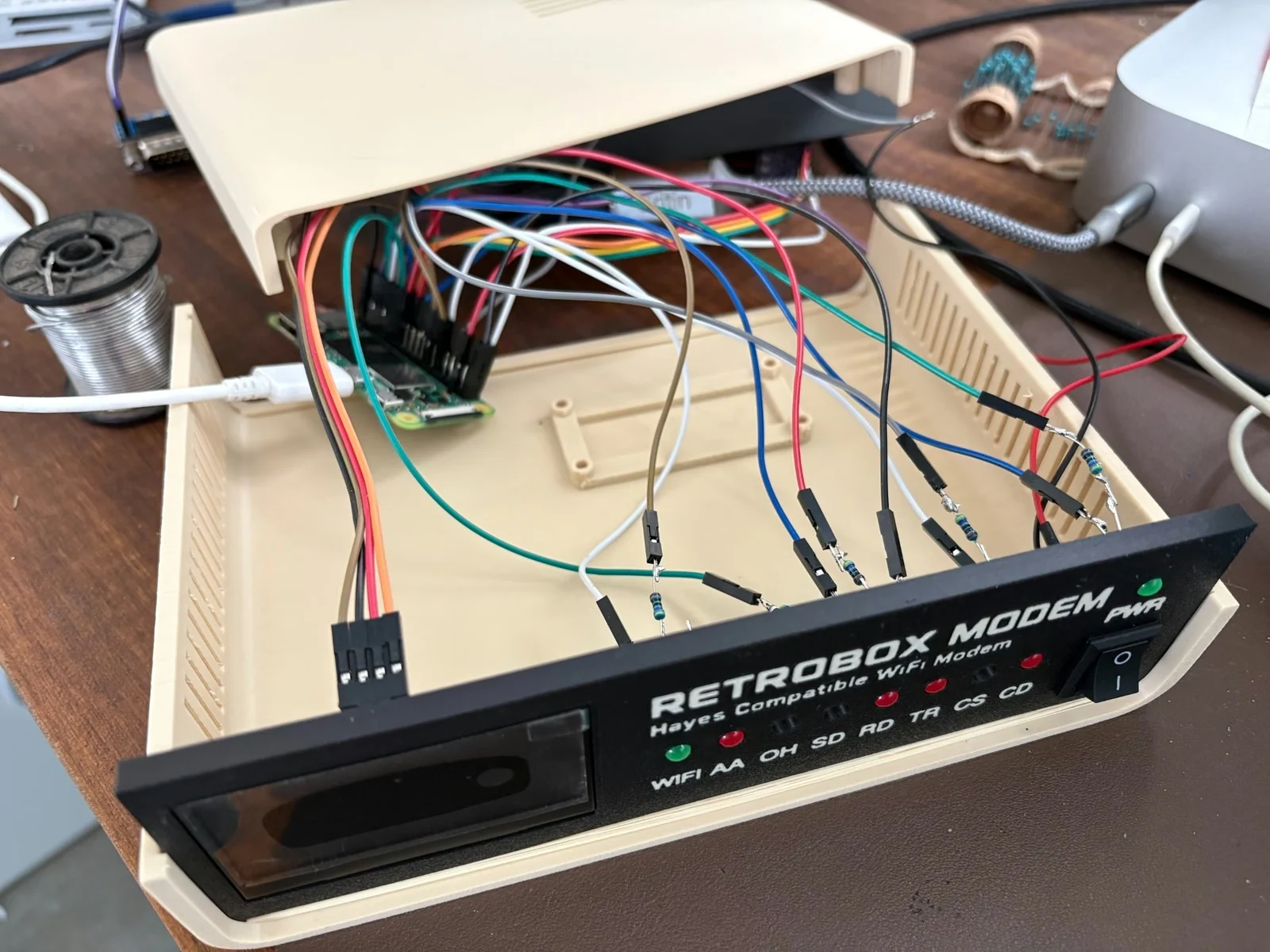
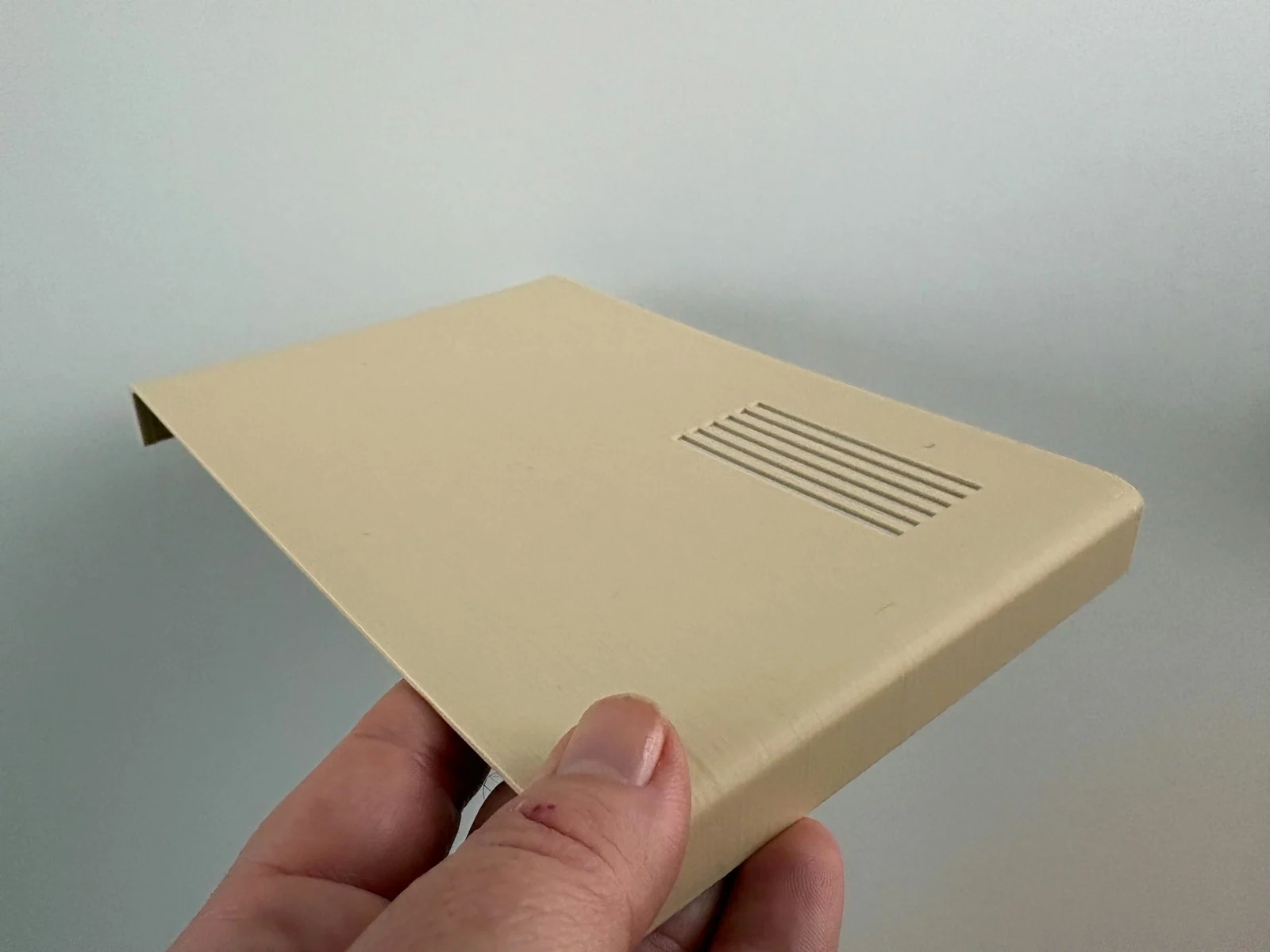
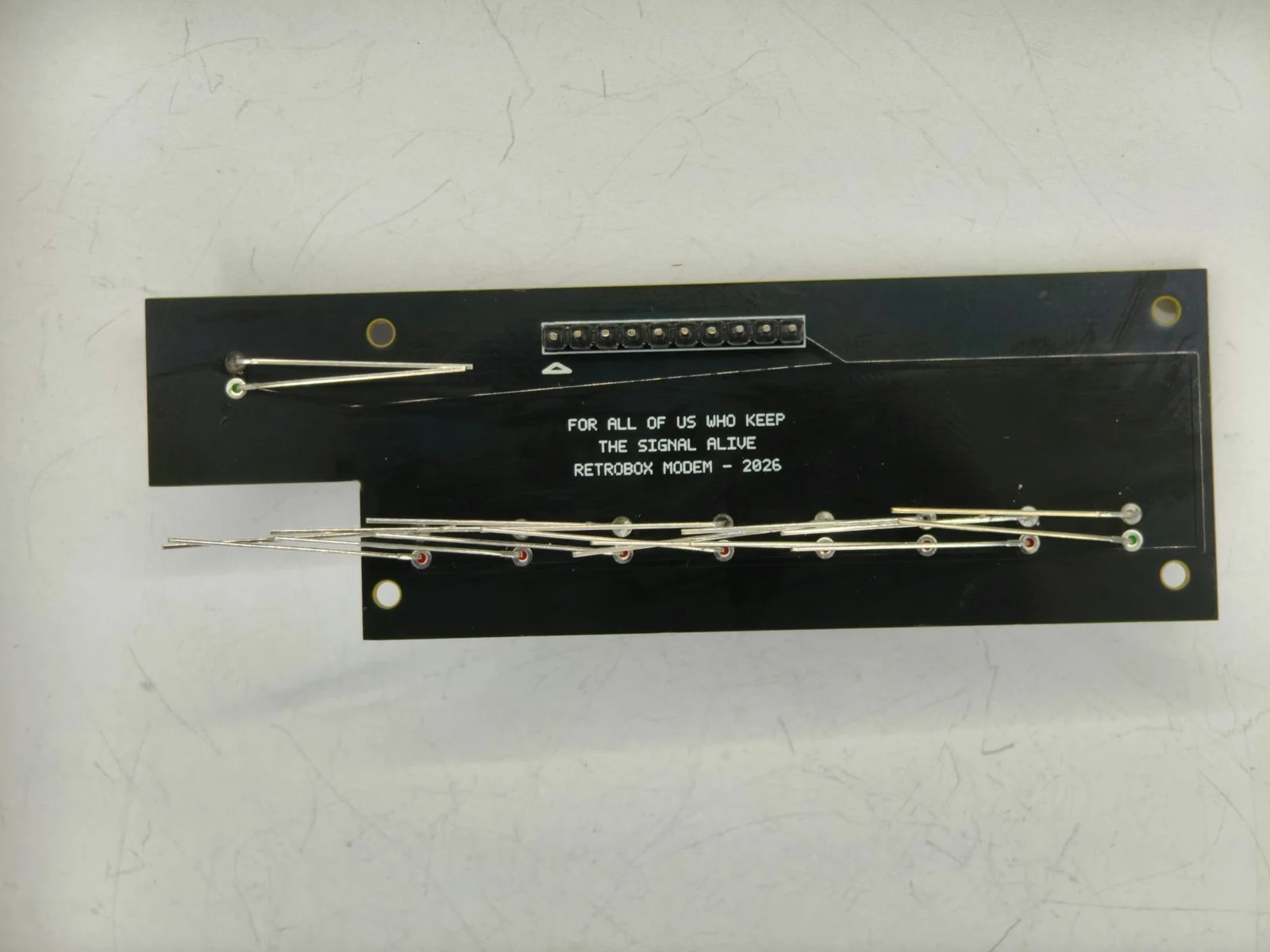
This is the current working RetroBox Modem prototype. It is already running the modem firmware, OLED interface, front-panel LEDs, Wi-Fi connectivity and safe power control.
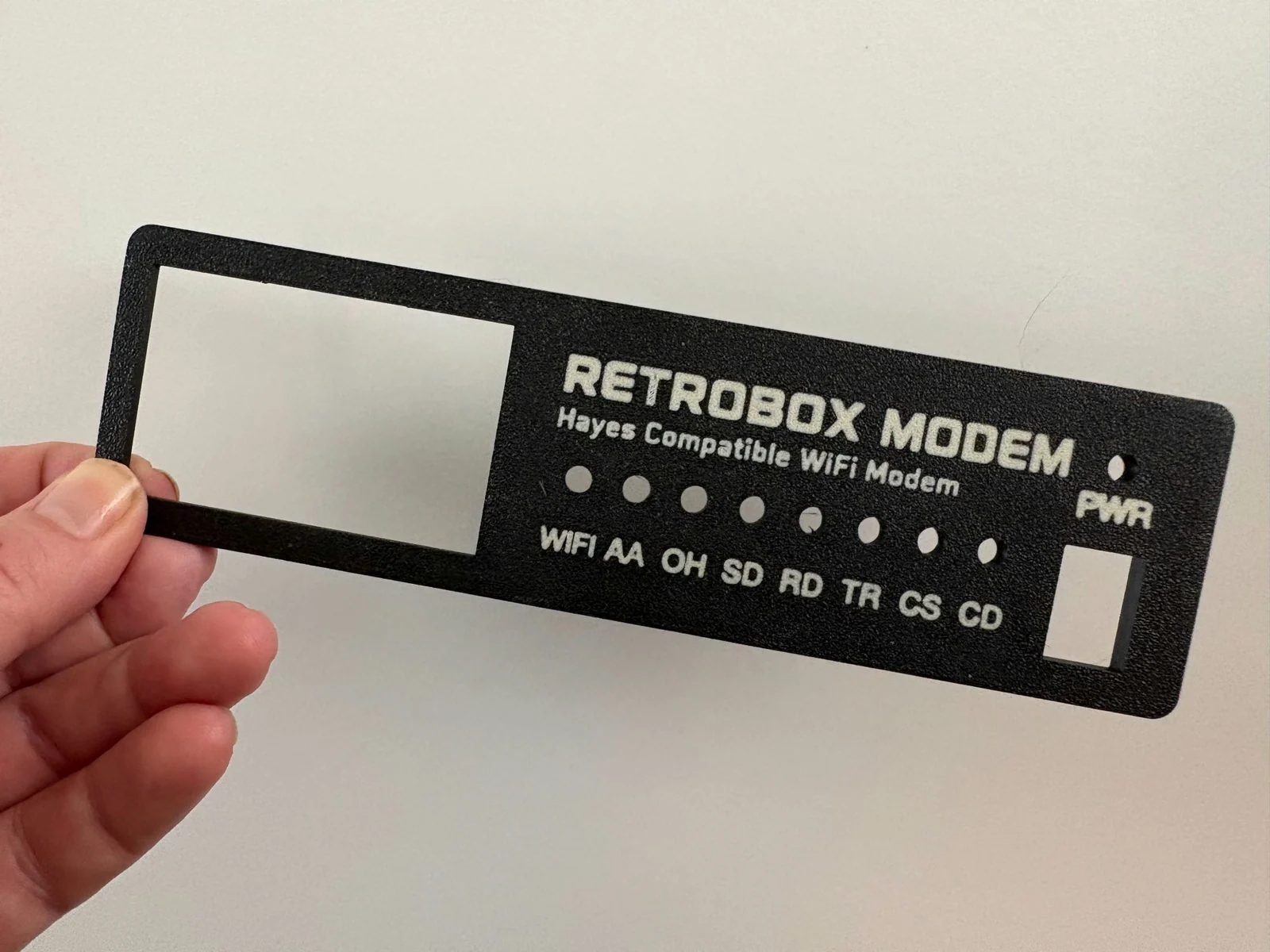
The photos show the actual device during development and assembly, including the enclosure, front panel and internal hardware. Some details are still evolving as the prototype moves toward the final design.
Watch RetroBox in actionon YouTube↗More detailed development notes, hardware tests, 3D printing, BBS connections and firmware progress are published in the blog as the project evolves.
The RetroBox Modem firmware is planned to remain free. A public repository will open with the first public release, with releases, documentation and ongoing development.
Project on GitHub ↗The project is being prepared as a premium DIY product rather than a generic enclosure. Final availability and ordering details will be published before launch.
Subscribe to the Founders Offer list and confirm your email. When the Enclosure Pack details are ready, we’ll email the first 60 confirmed subscribers in the exact order their confirmation was completed, with the complete kit information and their special offer. Each person is free to buy or decline. Subscribing is not a purchase or a commitment.
Join the founders list ↗The firmware is planned to remain free, keeping the software side accessible to the retro-computing community.
The book BBS Before the Web is a global history of Bulletin Board Systems, the online communities that grew around them and the people who ran them. It covers modem culture, sysops, networks such as FidoNet and the years when BBSs connected people before the World Wide Web became mainstream.
The book is planned to launch in English and Spanish. The first edition is being prepared in 6 × 9 inch format, with paperback and hardcover editions planned.
It will be available soon. Join the email list and select the book updates option to receive availability and launch news when the edition is ready.
Not yet. We’ll announce availability, final pack details and ordering information before launch.
RetroBox is designed for PCs, Macs and Amigas. Support for MSX and other 8-bit computers is still in development. Connection requirements may vary by machine.
Connect RetroBox to your computer by cable, open your favourite communications terminal and use AT commands. RetroBox takes care of the Wi-Fi connection to the BBS. We’ll publish the cable and adapter requirements for each supported computer. For more advanced users, we also plan a standalone terminal mode over Telnet, with no physical connection to another computer. That mode is not developed yet.
That’s the idea. You use a communications terminal on your computer, just as you would with a classic modem. We’ll publish tested programs and settings in the setup documentation. The current firmware can dial a BBS directly with ATD or ATDT followed by host[:port]; favourites are saved with AT+FAV=ADD,name,host:port and can then be dialled with ATD1 through ATD99.
No. Your computer connects to RetroBox by cable; RetroBox uses its own Wi-Fi to reach online BBSs. You will need a Wi-Fi network with Internet access.
No. RetroBox is a Wi-Fi modem for connecting to BBSs available over the Internet. It brings back the AT commands, connection sounds and status lights, but it doesn’t make calls over a telephone line.
We’re still deciding the exact contents of the DIY kit. We’ll publish the full parts list and any components you’ll need to supply before anyone is asked to buy.
The price hasn’t been set. We’ll share the final price, shipping details and what’s included before orders open.
The first 60 people who confirm their email will receive a Founders position in strict confirmation order. When the pack is ready, we’ll email them the full details and a special price. They can buy it or pass. Joining the list isn’t an order or a commitment.
Yes. Use the email form above and then confirm the address from the email we send you. Your position is recorded only after confirmation. Signing up is not a purchase or a commitment.
That’s the plan. The firmware will remain free, with releases and documentation published on GitHub when they’re ready.
Not yet in the current firmware. Running your own BBS, including AA (Auto Answer), is a requirement for the launch version. These features are still being developed and tested in the current prototype. We’ll publish the supported BBS software, setup instructions and network requirements before the kit goes on sale.
Sign up using the email form and confirm your address. We’ll use the list for launch news, project updates and the Founders Offer emails.
Yes. Watch demonstrations and project updates on the RetroBox Modem YouTube channel ↗.
For questions about RetroBox Modem, the book, compatibility or the project, email us directly.