Why build a modem in 2026?
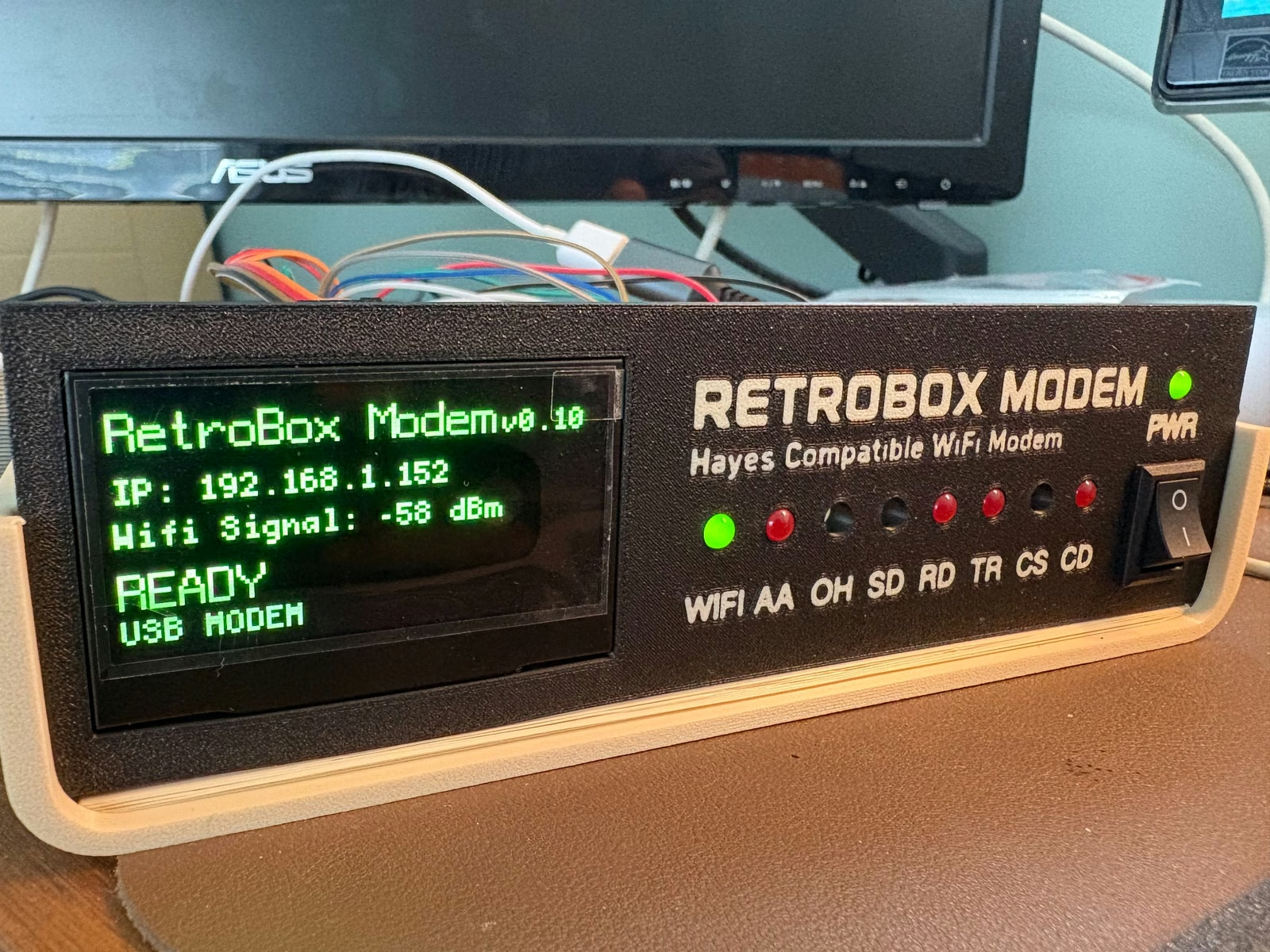
I started with a simple idea: bring back the experience of dialing into a BBS without requiring a telephone line. RetroBox uses modern Wi-Fi underneath, but the interaction remains deliberately familiar to anyone who used a modem: AT commands, connection states, front-panel lights and the sounds associated with dialing and negotiation.
The aim is not to pretend that Wi-Fi is a telephone network. It is to preserve the ritual and the feel of the modem era while making today’s Internet-hosted BBS systems accessible to retro computers.
What already works in the prototype?
The current development platform is a Raspberry Pi Zero 2 W. The working prototype already runs the modem firmware, drives the OLED status display and front-panel LEDs, connects over Wi-Fi and reproduces the connection sequence and modem sounds.
AT-style commands are part of the core interaction. The project is also being tested around practical serial connections so that the computer on the desk can continue to behave like the terminal side of a classic modem setup.
The enclosure is part of the project
The case is not just packaging. It is being designed and printed alongside the electronics so that connector access, the OLED, status lights, wiring and serviceability all work together. Real prototype photos are deliberately being published as the design develops, including the rougher stages that normally stay off a product page.
The final enclosure has to be printable, repeatable and easy enough to assemble without losing the compact desktop look of the prototype.
Testing a more universal Raspberry Pi mounting pattern
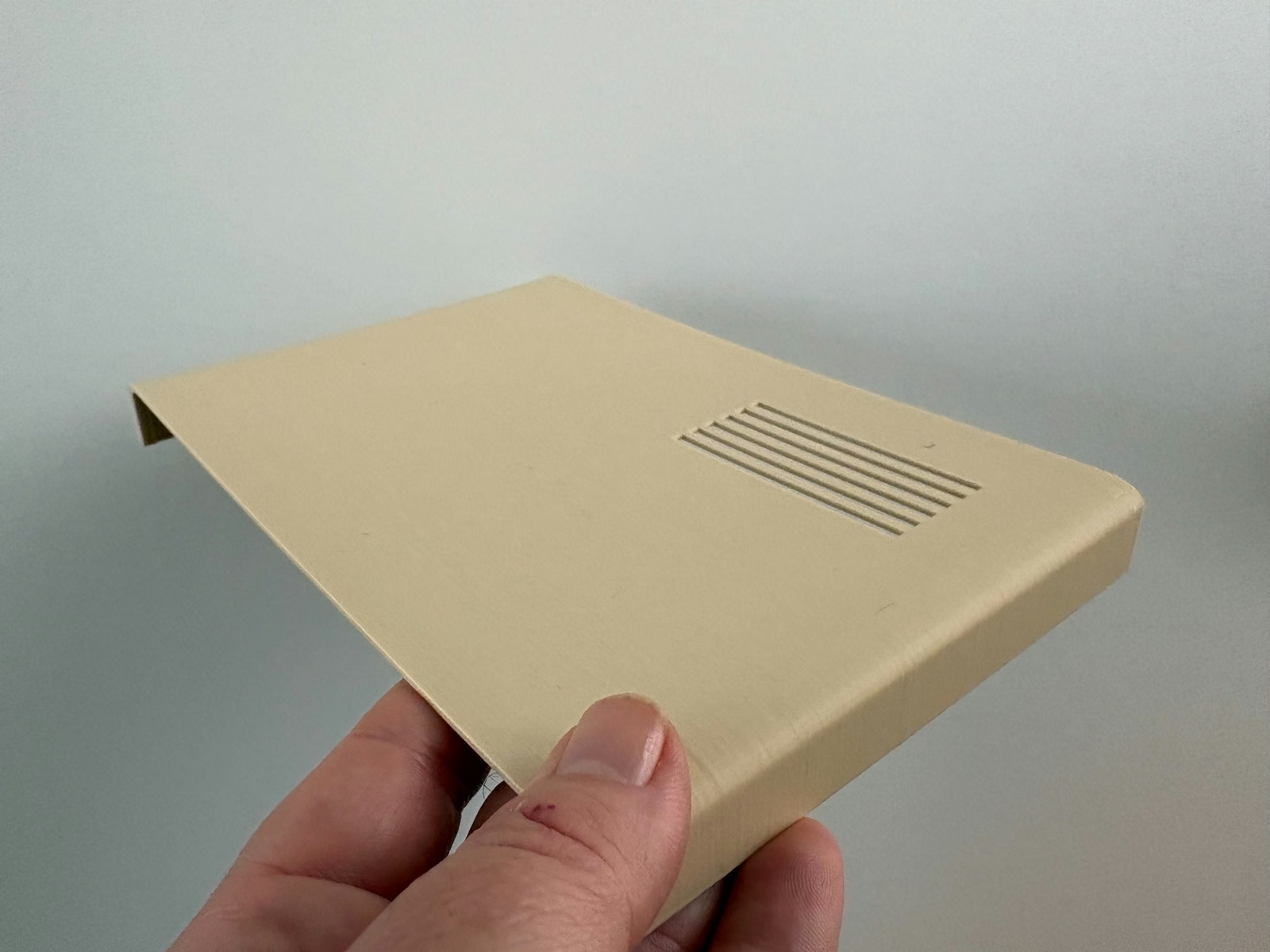
The initial software and hardware target remains the Raspberry Pi Zero 2 W. At the same time, I have started designing a base with a six-post mounting pattern that can mechanically accommodate the Zero family and full-size Raspberry Pi boards that share the standard mounting-hole pattern.
A mechanical mounting pattern is not the same thing as declaring every Raspberry Pi model supported. Connector positions, power, thermals and firmware still have to be validated separately.
What comes next
The next steps are physical test prints, checking clearances around real boards and connectors, continuing serial tests with retro computers and validating more BBS connections. The results will appear here as the work progresses rather than waiting until everything looks finished.
That is the purpose of this blog: a record of the build as it actually happens.
Follow the next build notes
New entries will cover hardware tests, enclosure revisions, firmware, modem sounds and real BBS connections.
Get project updates →